The member receives notification.
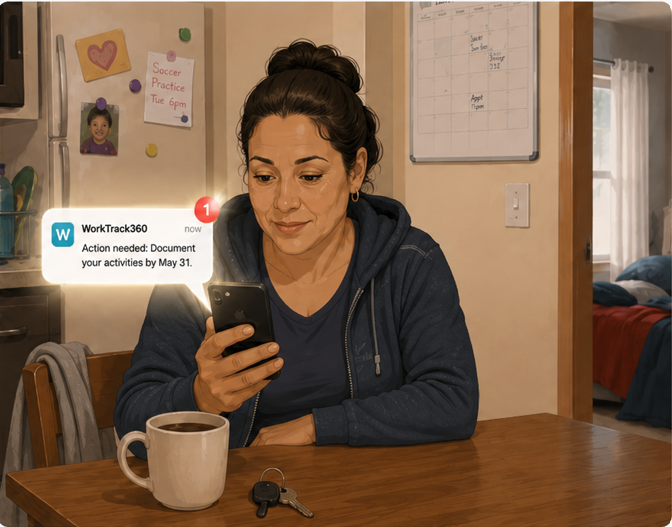
Your outreach team sends the first notification through WorkTrack360. Multi-channel delivery across SMS, email, and IVR. The system stops outreach when the member engages, and escalates to a caseworker when they don't.
The member documents qualifying activity.
The member opens WorkTrack360 and sees a guided workflow organized around the activity categories your state has defined: employment, job search, training, education, volunteering, community service. Each category has its own documentation path. Timesheet logging for work hours. OCR scanning for pay stubs and attestations. Batch entry for members with multiple employers. Progress visibility shows how they stand against the reporting period requirement at any point.

The member handles an exemption.
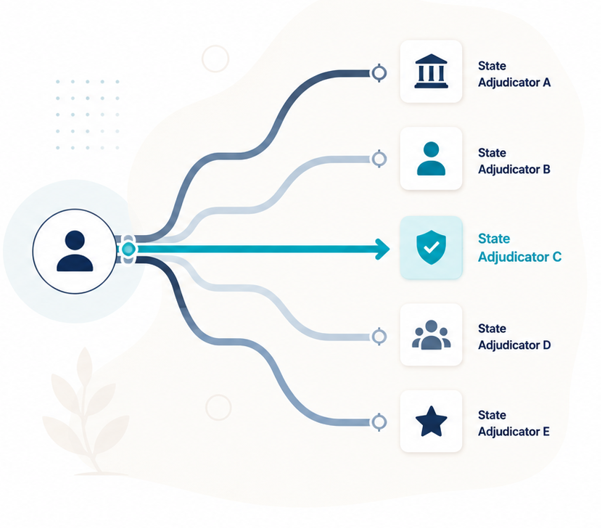
If the member qualifies for an exemption (medical frailty, caregiving, pregnancy, disability, substance use treatment, domestic violence), the system routes their request to the appropriate adjudicator by jurisdiction. Plain-language explanations help the member understand what applies to them. Configurable routing logic adapts as CMS guidance evolves. Members who qualify should be identified and routed correctly the first time, before a missed submission puts their coverage at risk.
The member submits.
Completed documentation is packaged and submitted through the system. Uploaded documents attach to the member's case record and audit trail automatically. Every submission is timestamped and attributed. Automated reminders go out before each deadline so members have time to complete what is still needed.

Your team reviews.
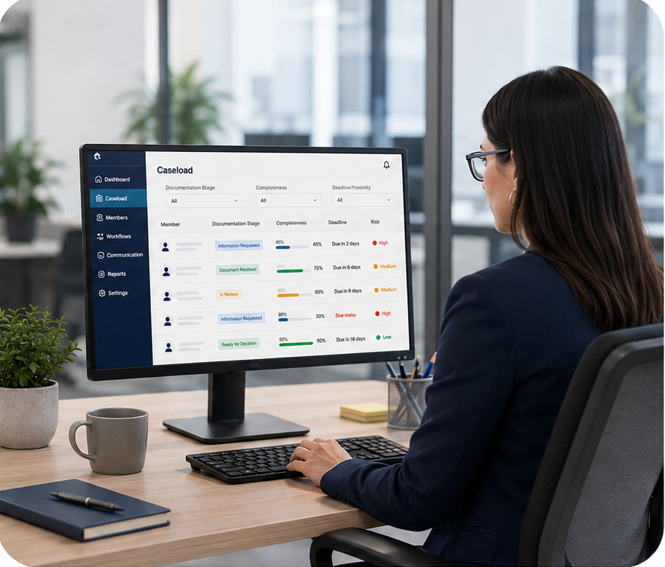
Your caseworkers see a caseload dashboard filtered by documentation stage, completeness, and deadline proximity. The members most at risk of a coverage disruption surface first. Structured follow-up workflows route the right cases to the right staff. Communication history is captured in the case record so follow-up is coordinated.
Your state reports.
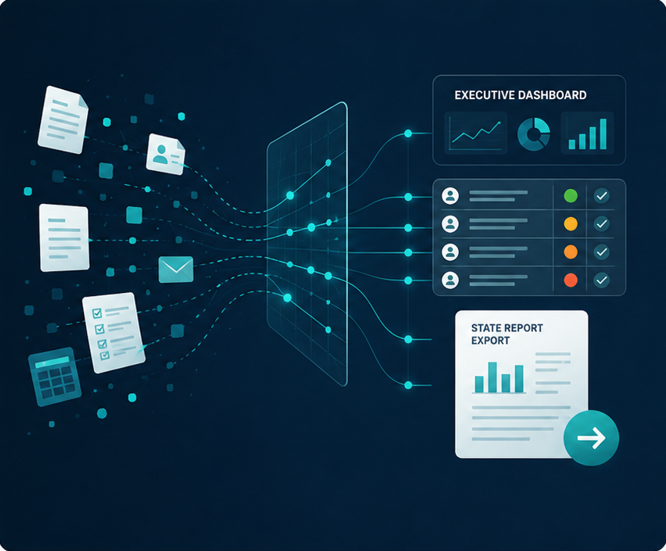
State-format exports match your CMS submission requirements. Executive dashboards show engagement, documentation completeness, outreach status, and compliance readiness. An immutable audit log captures every action. When documentation on a specific case is requested, the evidence is already organized and exportable as a case-level evidence packet. Defensible records protect both the program and the member.